 03 · AI automation · 2025
Goril Docs
Automating the unstructured: documents go in, filled templates come out, and a human stays in the loop.
The challengeHours of retyping
Operations teams spend hours moving data from PDFs, scans and paper forms into their own documents. It is slow and error-prone, and classic OCR tools either need rigid templates or return a wall of text that still has to be sorted by hand.
The solutionRead, understand, map
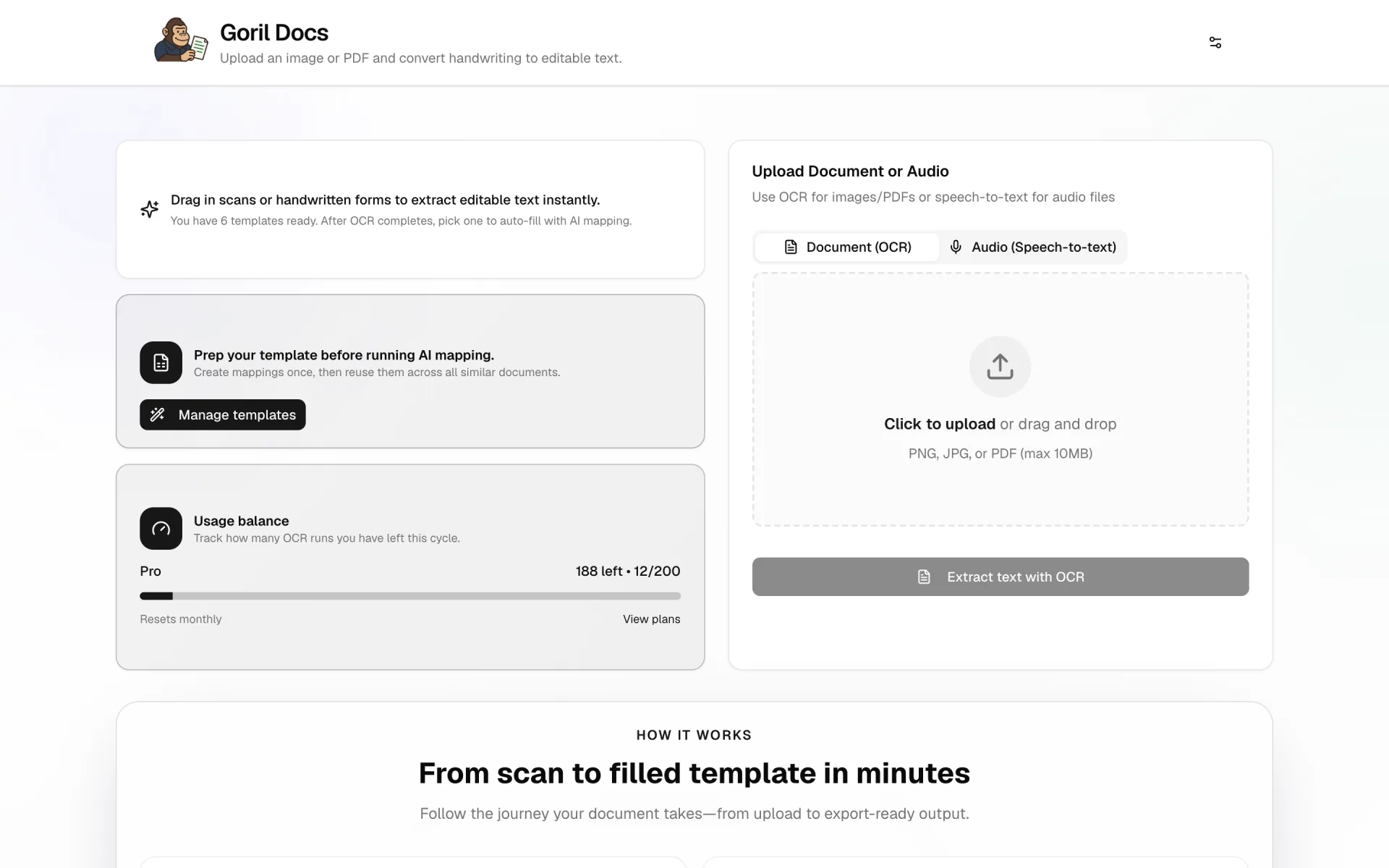
Goril Docs uses Google’s Gemini models to read a document the way a person would: it understands the structure, then maps what it finds into fields the user has defined. The output is a filled template, exportable as PDF, DOCX or plain text.
- Gemini-powered OCR. PDF, JPG and audio inputs. Falls back between Gemini 1.5 Pro and Flash for accuracy versus speed.
- AI field mapping. Extracted text lands in template fields automatically. Two modes: Verbatim copies exactly; Polish lets the model fix grammar and formatting.
- Visual layout designer. Upload a PDF background, draw zones on it, and override coordinates by hand to “fix” the AI output visually.
What I learnedThe model is the easy part
Getting Gemini to read a document well took an afternoon. Getting people to trust the result took the rest of the project: showing the source next to the output, making every field editable, and letting the user correct the layout with their hands instead of with a prompt. The human-in-the-loop screens are where the product actually lives.